Once you've created your Taxi account, you can easily connect your myIR data. We would recommend doing this as it will allow you to see both your Taxi transactions and myIR transactions in one place.
It's simple to connect and instructions for doing so are as below:
- Log into your Taxi account and select Connect myIR
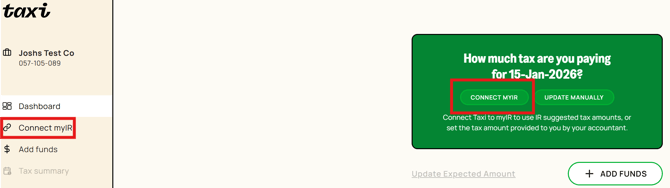
- You will now be directed to the set-up steps and walked through the process
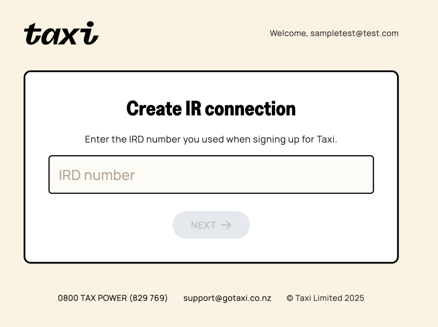
- Select the Being MyIR Authorisation option. You will need your myIR user ID and password to complete this step
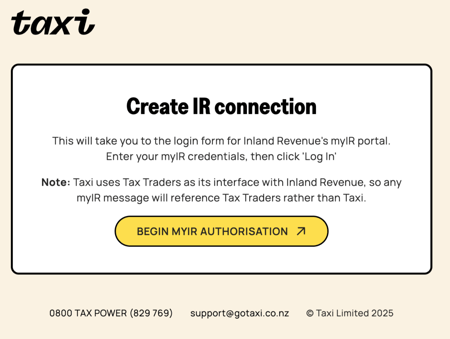
- Enter your myIR log in details
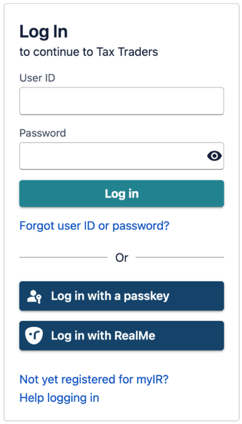
- Authorise the Tax Traders connection to allow your data to flow in Taxi

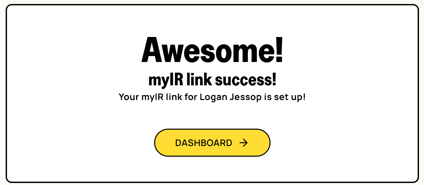
- You will receive confirmation of set-up being complete
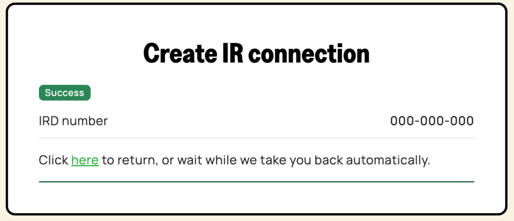
- You're all done - your myIR data will now appear in your Taxi account under Tax summary